
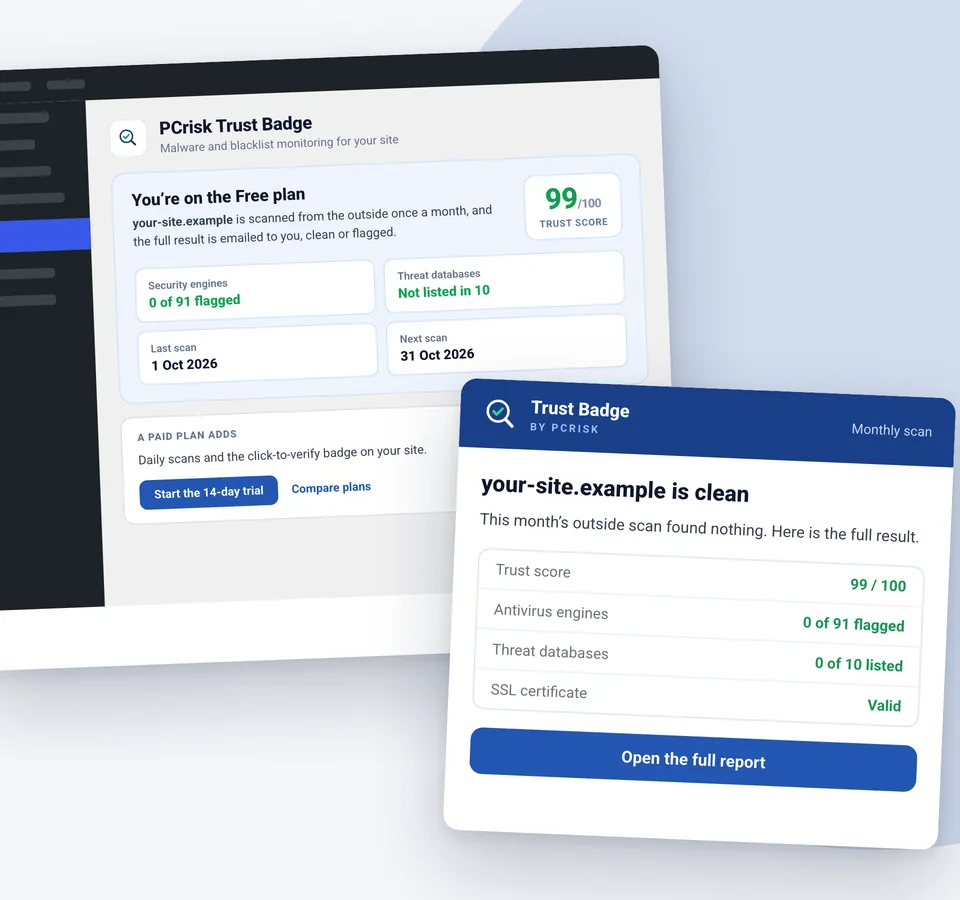
Install the PCrisk Trust Badge plugin and we scan your site from the outside every month, across about 90 antivirus engines and 10 threat databases, and email you the result, clean or not. No card, nothing to configure.
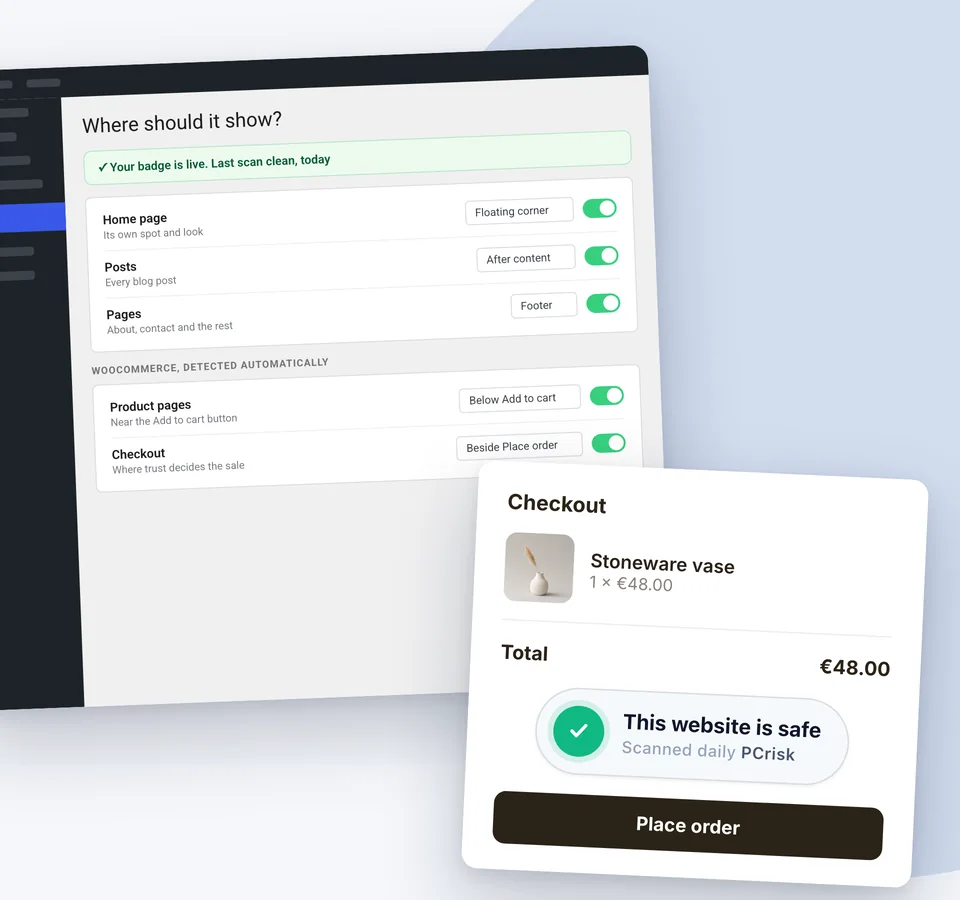
Turn on a spot from one settings screen and check it in the live preview before you save. Your home page, posts and pages can each have their own spot and look.
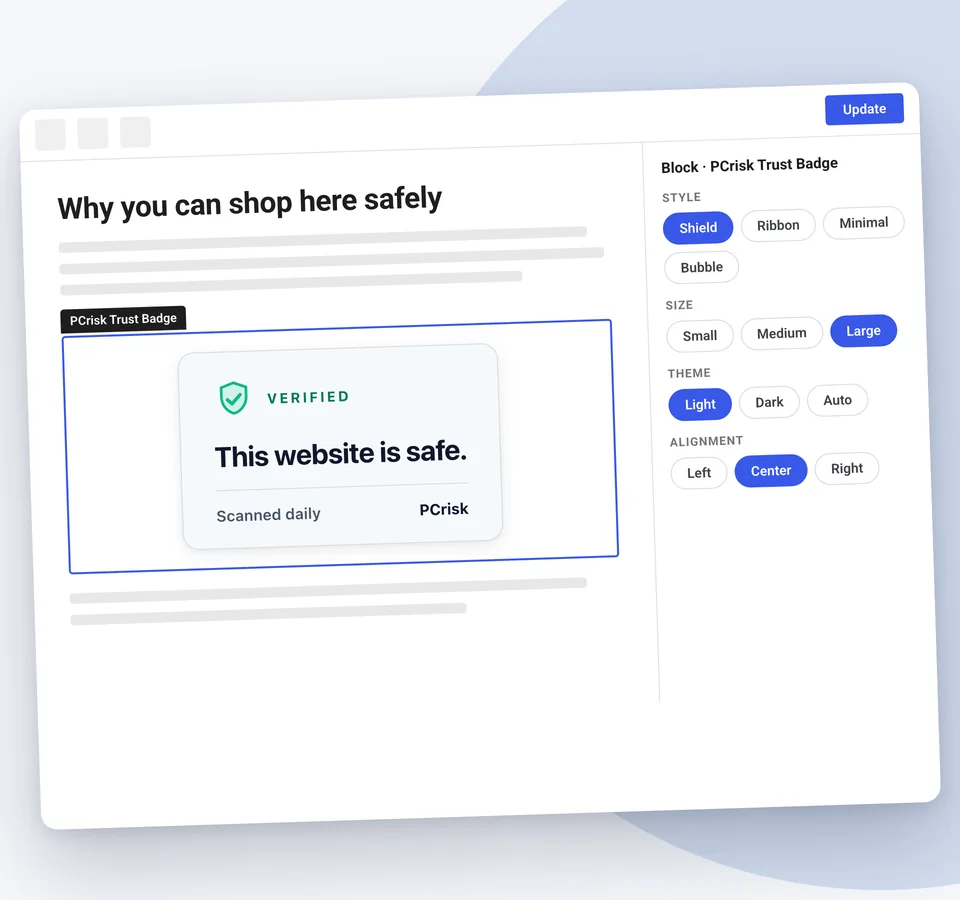
The PCrisk Trust Badge block puts the badge exactly where you want it, mid-article or on a landing page. Each block can keep your saved design or get its own.
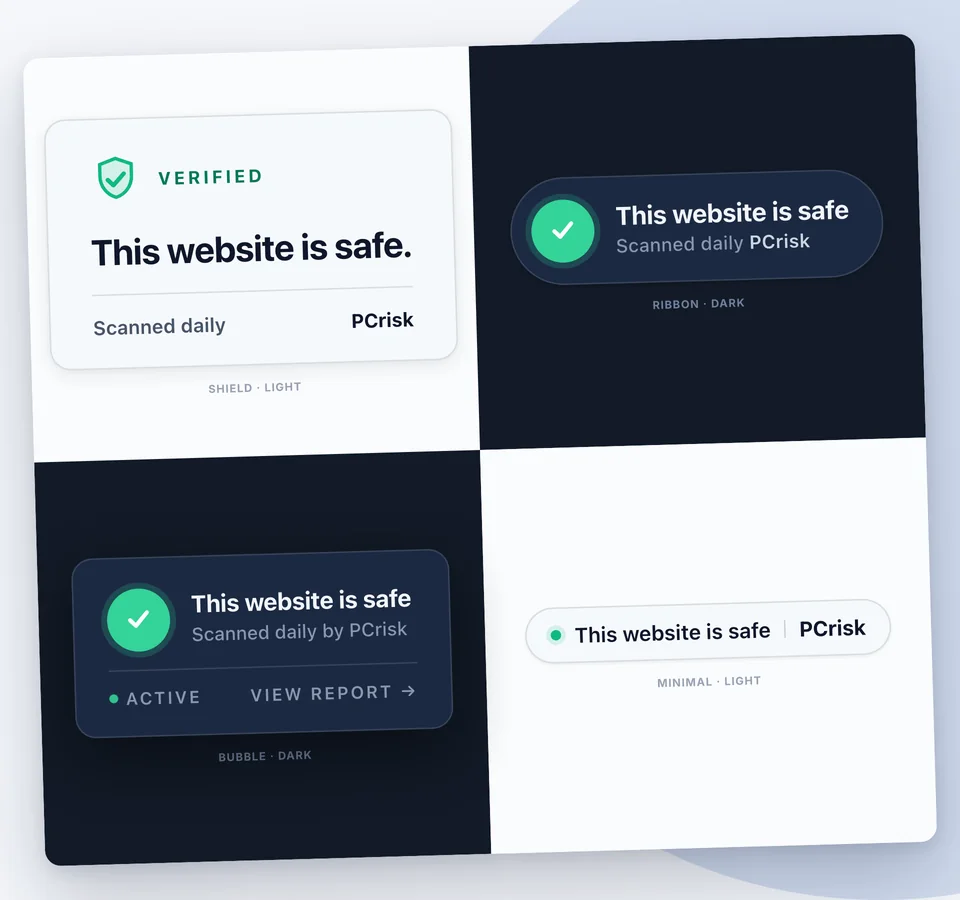
Shield, Ribbon, Minimal and Bubble, in three sizes. Pick light or dark, or let the badge follow your theme.
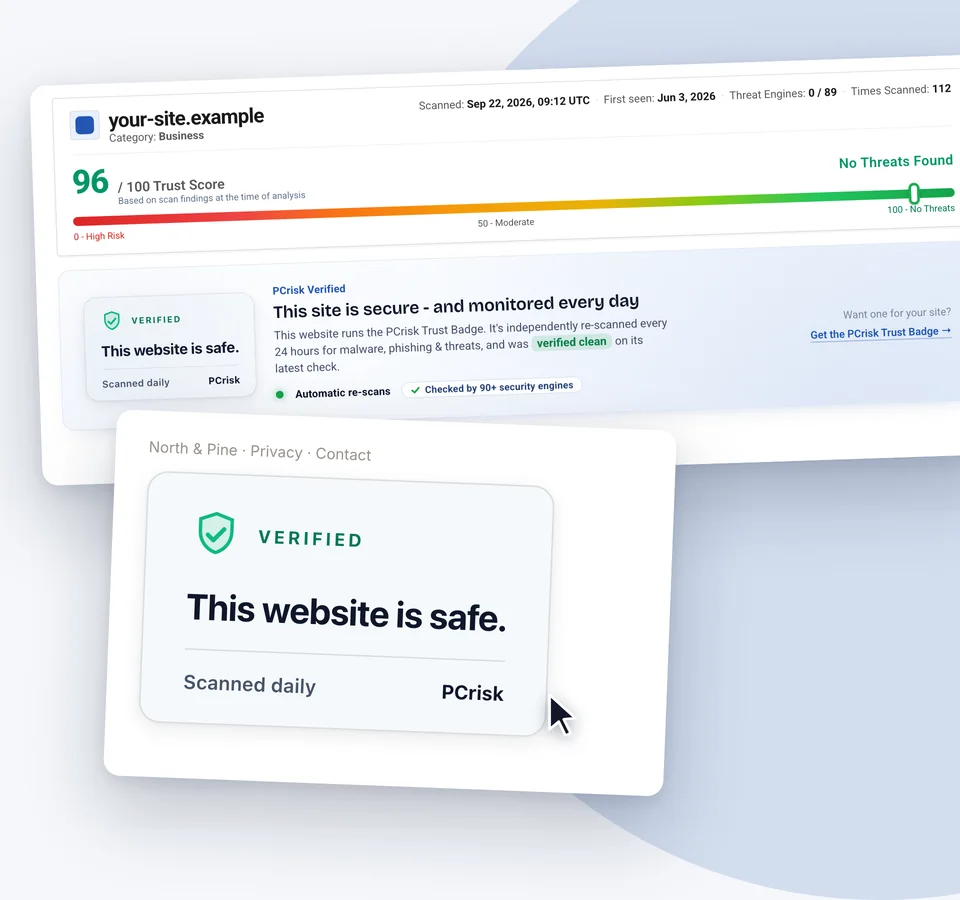
The badge links to your site’s public scan report on scanner.pcrisk.com, hosted by PCrisk and independent of your site. Visitors see the evidence, not a static image.
In WordPress go to Plugins, Add New, search for PCrisk Trust Badge and click Install. It is a standard plugin from the official WordPress.org directory.
Click Connect in the plugin. It creates a free PCrisk account with your email, adds your domain and starts the first scan. No card and no DNS records.
Every month we scan your site from the public web, the way a visitor or a search engine sees it, and email you the result. Clean, or exactly what was found and where.
Paid plans scan daily and put a click-to-verify security badge on your site that opens your live report. Your free monitoring keeps running either way.
Malicious code, obfuscated scripts and newly reported threats hidden in your HTML, JavaScript and embedded resources.
Checked against global phishing feeds, so you know if your site has been mistaken for a fake-login or fraud page.
Your domain cross-referenced against about 90 security engines and 10 threat databases.
Certificate validity on every scan, so an expired or broken certificate is caught before a customer sees a browser warning.
Domain reputation, popularity ranking and the health of the sites you link out to.
Every finding explained without jargon, with a trust score from 0 to 100, refreshed on every scan.
The scan runs on PCrisk’s servers, not yours. The plugin adds nothing to your public pages on the free plan, so there is no effect on page speed.
Antivirus engines and search-engine warnings sometimes flag legitimate sites: a new TLD, a plugin’s behaviour, a traffic spike, a pattern match gone wrong. Most site owners find out the hard way. A customer says the site will not load. An ad campaign gets suspended. Email deliverability quietly drops. Or you check months later and realise you have been flagged the whole time.
Illustration: a site’s scan report where all 91 security engines and 10 threat databases show green. Then 3 engines and 2 databases turn red, and the consequences follow: a browser warning for visitors, a suspended ad campaign, and emails that land in spam.
With the free plan you hear about it within a month, with the full detail emailed to you. Paid plans check every day, so a false positive becomes a ten-minute fix instead of something you discover next quarter. And if it is a false positive, PCrisk gives you a dispute path.
For a site you check yourself. One domain, one scan a month, the result by email.
For sites that want to show visitors they are safe. 14-day free trial, then monthly or annual billing.
It is a free plan, not a trial. It does not expire, needs no card, and nothing is charged unless you choose a paid plan yourself. It gives you one domain, one external scan a month and the result by email.
On a paid plan, turn on a spot in the plugin’s settings: at the top of the content, after your posts and pages, in the footer, or as a floating corner badge. Your home page, posts and pages can each have their own spot. On WooCommerce stores you also get the shop, product, cart and checkout pages, including beside the Place order button. For an exact spot, add the PCrisk Trust Badge block to any page or post.
No. Scans run on PCrisk’s servers, not yours, and on the free plan the plugin adds nothing to your public pages. On paid plans the badge is one small script, loaded after your page.
Yes. PCrisk Trust Badge does not scan on your server or change your files. It checks your site from the outside, the way visitors and search engines see it, so it works next to the firewall or security plugin you already use.
No. PCrisk detects and reports; it does not change files on your site. If something is found, the email tells you what was detected and where, so you or your developer can fix it, and the next scan confirms the fix. If a detection looks wrong, the report includes a dispute path.
Your domain name, so it can be scanned, and your email address for the results. Nothing else. Your site’s public pages stay untouched until you enable a badge placement on a paid plan.
PCrisk Trust Badge is a service from RCS LT, UAB, the company behind pcrisk.com, a security research site running since 2010. The scanner behind the plugin is the same one used by pcrisk.com’s public website scanner.
Install the plugin, connect your site, and your first scan runs within minutes. Free plan, no card.


